

To play HF sounds in Primus software transducer itself should support HF range higher than 8KHz.
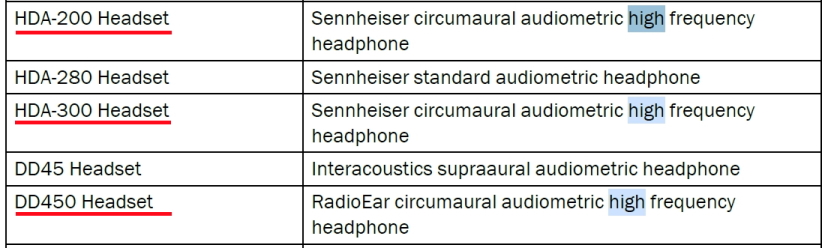
List of HF transducers is described on the page 61 of the Instruction for Use (available in Help tab in Primus).
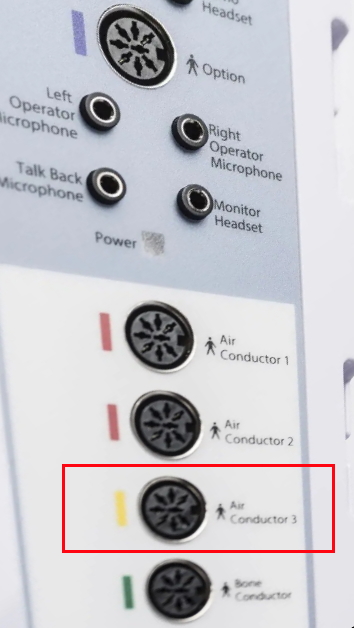
HF transducer should be connected to Air Conductor port 3 (yellow HF port) of the Primus board.
If transducer supports HF range and is connected to HF port, it should emit HF sound, up to 16KHz.
If same transducer is connected to Air Conductor port 1 or 2, it will emit the ordinary sound, up to 8KHz.
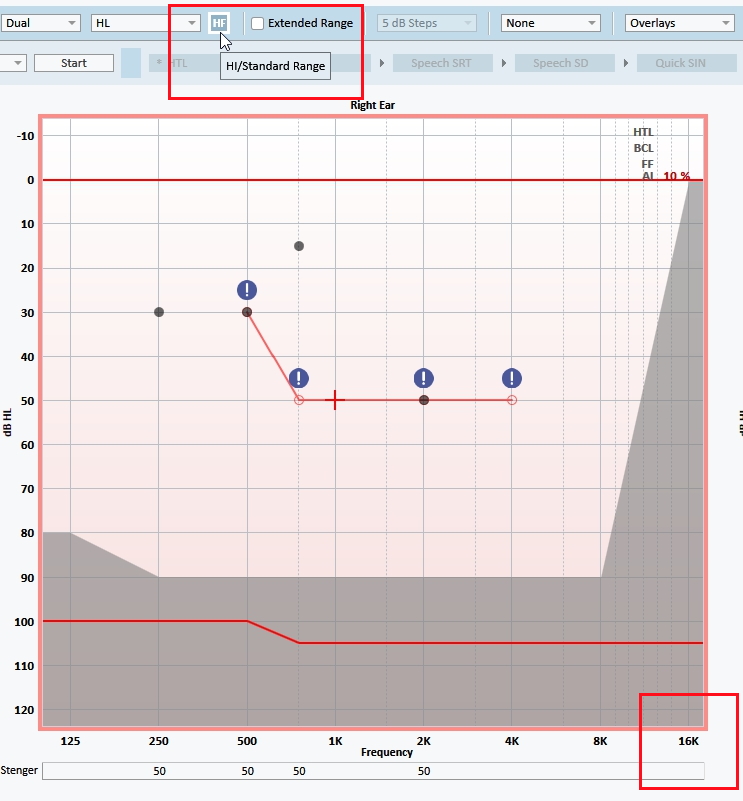
HF setting should be enabled in Primus software on the measurement page, thus HF range will be available on graph.